Clawdbot: The Self-Hosted AI Assistant That Actually Does Work
We have all been promised an AI assistant that truly understands us a digital companion that remembers our projects, handles our busywork, and lives where we chat. While Siri and Google Assistant have stagnated, a new open-source contender has emerged to fill that void.
Enter Clawdbot.
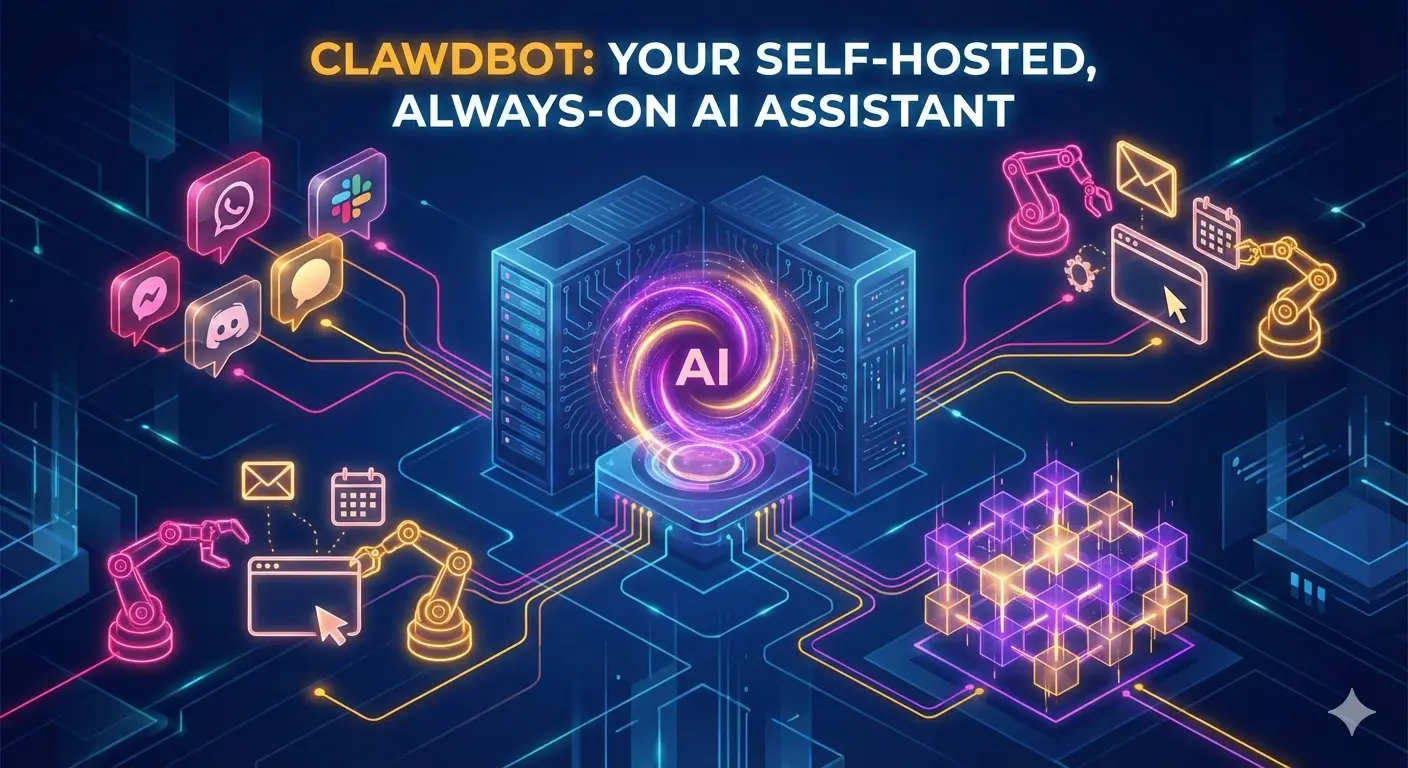 If you are tired of AI chatbots that forget you the moment you close the window, or if you want an assistant that runs on your terms, this guide covers everything you need to know about Clawdbot.
What is Clawdbot?
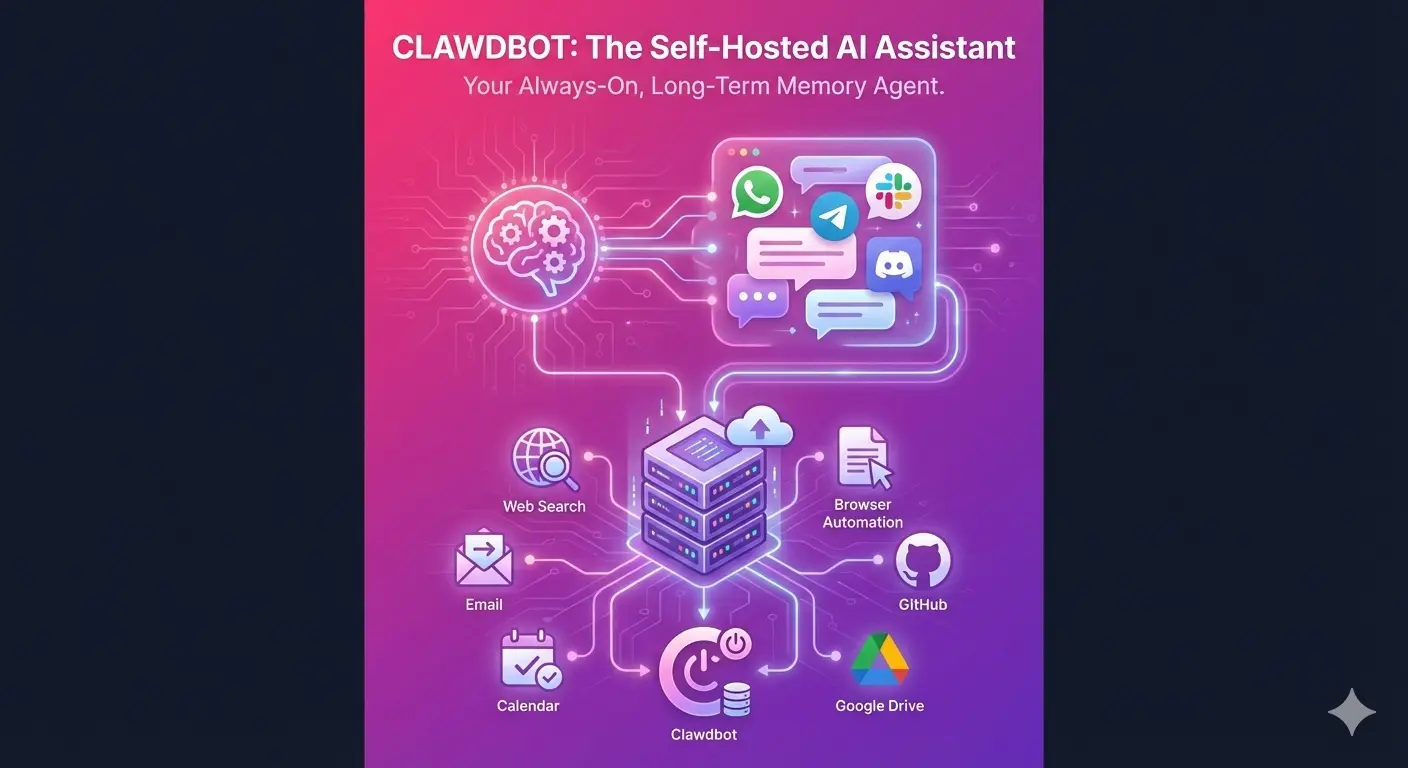
Clawdbot is an open-source, self-hosted AI assistant designed to run 24/7 on your own hardware (like a Mac mini) or a cheap cloud server (VPS). Unlike standard chatbots, it is an "always-on" agent that connects to the messaging apps you already use—WhatsApp, Telegram, iMessage, Slack, Discord, and more.
At its core, Clawdbot is the personal assistant that big tech never quite delivered. It combines the reasoning power of Large Language Models (LLMs) like Claude, OpenAI, or Gemini with a persistent memory and a suite of "skills" that allow it to interact with the real world.
Why Clawdbot is Different: Core Capabilities
Clawdbot isn't just about answering questions; it is about executing workflows. Here is what makes it stand out:
1. It Lives Where You Chat
You don't need a separate app. Clawdbot acts as a gateway, connecting its AI brain to your preferred messaging platforms. whether you are in a Discord server, a Slack DM, or a WhatsApp group chat, Clawdbot is there, ready to respond to text or voice commands.
2. True "Long-Term" Memory
One of the biggest frustrations with standard AI is amnesia. Clawdbot features a persistent memory layer. It remembers your preferences, ongoing projects, and past conversations across different sessions. As you chat, it builds a "second brain," retaining context so you don't have to repeat yourself.
3. Proactive Automation
Most AIs only speak when spoken to. Clawdbot can be configured to be proactive. Using cron-like jobs and background tasks, it can monitor your emails, stock prices, or calendar events and message you when something important happens.
4. Browser Automation & Skills
Clawdbot can control a headless browser to fill out forms, scrape websites, and extract data. It uses a "Skills" system (via the ClawdHub marketplace) to plug into tools like:
-
Google Workspace: Gmail, Calendar, Drive.
-
Developer Tools: GitHub, Shell commands.
-
Web Search: Live internet access.
Real-World Use Cases
Because Clawdbot is programmable, its potential uses are vast. Here are a few workflows power users are already running:
-
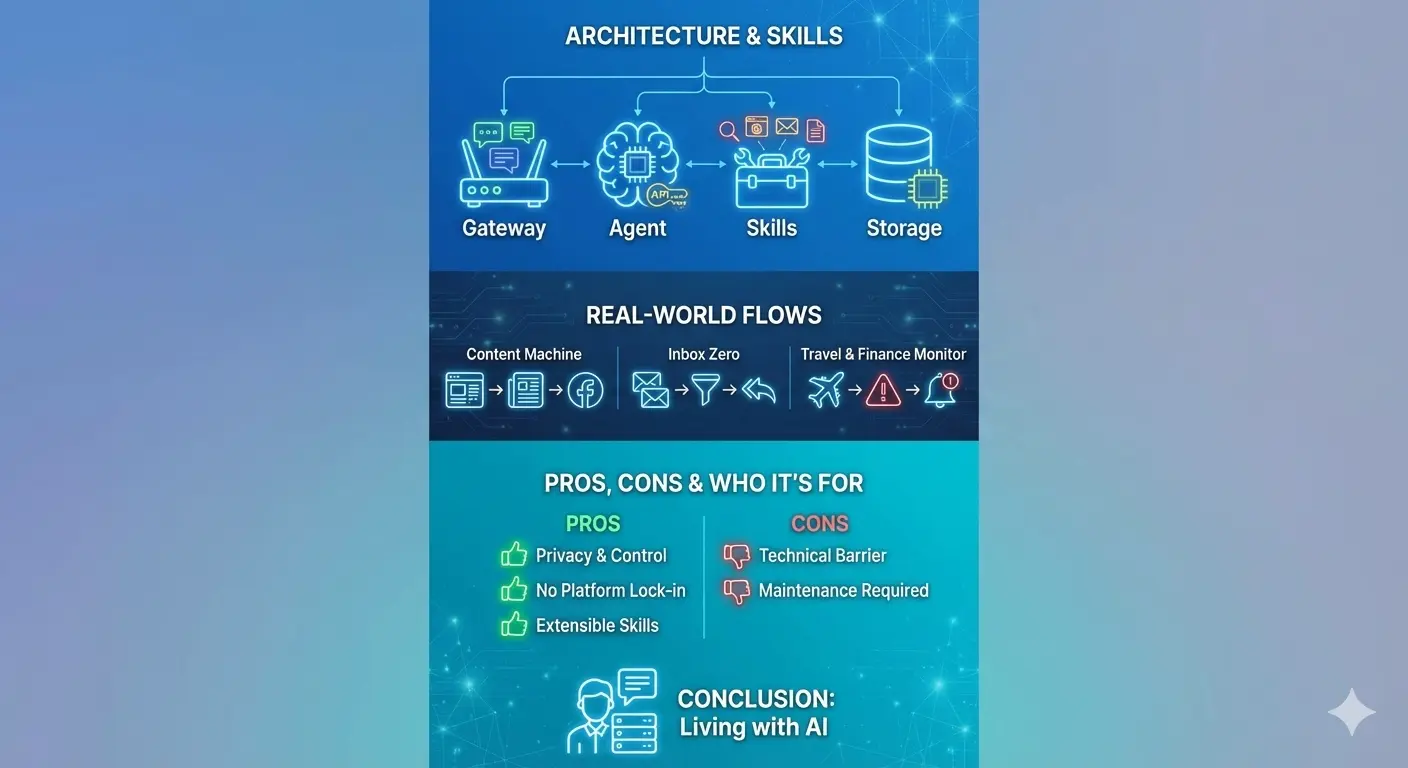
The Content Machine: Analyze a website, draft a blog post based on the content, update metadata, and generate a LinkedIn post—all in one run.
-
Inbox Zero Assistant: Check your last 10 emails, identify which ones need replies, and draft those replies for you to review.
-
Travel & Finance Monitor: Check you into flights automatically or ping you instantly when a specific stock hits a target price.
Architecture: How Clawdbot Works
Clawdbot is typically composed of four main pieces that work in harmony:
-
Gateway: Handles the connection to your chat apps (Telegram, Slack, etc.) and manages background schedules.
-
Agent: The "brain" of the operation, powered by your API keys (Claude, OpenAI, etc.).
-
Skills: The extensions that give the agent hands (e.g., ability to search the web or edit files).
-
Storage: A local disk memory system that keeps your data and context safe on your own machine.
Setup, Hosting, and Costs
One of the most attractive features of Clawdbot is that the software itself is free and open source. You only pay for the infrastructure and intelligence.
Hosting
-
Local: Many users run Clawdbot on a dedicated Mac mini, Windows, or Linux machine they already own.
-
VPS: You can host it on a small cloud server (2–4 GB RAM) for roughly $5 USD/month.
Intelligence Costs
You bring your own API keys.
-
Light Use: A standard OpenAI or Anthropic API account might cost you very little based on usage.
-
Heavy Use: Power users might subscribe to Claude Pro or similar tiers ($20–$100/month).
Total Estimated Cost: For a robust setup using a VPS and an API subscription, you are looking at roughly $25–$125/month, depending entirely on how heavily you utilize the AI.
Is Clawdbot Right for You?
The Pros
-
Privacy: Your data and context stay on your server.
-
Control: No platform lock-in; switch between OpenAI, Claude, or local models at will.
-
Extensibility: If it can't do something, you can likely write a script or download a skill for it.
The Cons
-
Technical Barrier: It requires some comfort with servers, terminals, and API keys.
-
Maintenance: You are responsible for updates and keeping your server secure.
Conclusion
Clawdbot represents a shift from "chatting with AI" to "living with AI." If you are a developer, a power user, or someone who simply wants an assistant that remembers your name and does your chores, it is time to give Clawdbot a try.
Resources:
- Clawdbot: The Self-Hosted AI Assistant That Actually Does Work
- Clawdbot — Personal AI Assistant
- Clawdbot: the full setup in 30 minutes
- Clawdbot Showed Me What the Future of Personal AI Assistants Looks Like
- Clawd.bot Review: Features, Pricing, and Alternatives
- Clawdbot is a viral AI assistant: What it is, how to try it
- Clawdbot is latest AI sensation in Silicon Valley, makes Mac Mini shoot up: Full story in 5 points
- ClawdBot: The self-hosted AI that Siri should have been
- Clawdbot: The AI Assistant That's Breaking the Internet
- Clawdbot in Less Than 2 Minutes (FREE 24/7 HOSTING)
- Getting Started - Clawdbot